See How Getting Started with Your Okuma CNC Control is Quick & Easy

In the early days of CNC machine controls, setting up programs could be a bit challenging. Okuma changed all of that with the Windows-based THINC OSP control that makes getting started quicker and easier than ever before.

Today Okuma equips most of its CNC machines with OSP controls, while some models offer the option of a Fanuc control. In this series of video productions, Okuma demonstrates three basic functions on both types of controls:

Program Select


Tool Length Offsets


Work Zero Offsets


Each video shows step-by-step procedures in real time, so you can see precisely how easy it is to start making parts with Okuma lathes, HMCs, VMCs, 5-Axis and specialty machines.

To learn more, contact your local Gosiger facility or visit www.gosiger.com.

See How To Set The Home Position You Want At Program’s End

See How To Set The Home Position You Want At Program’s End

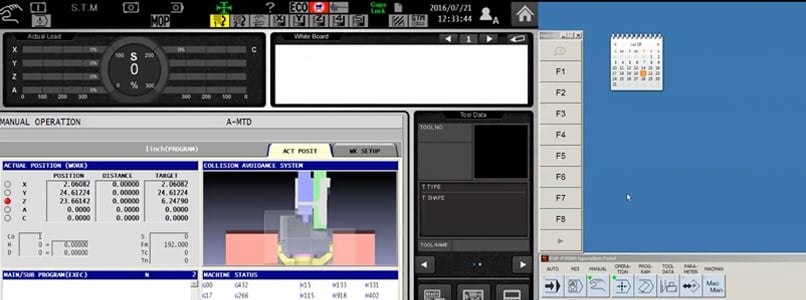
This video shows an easy way to use the Okuma OSP-P300 control to set the home position you desire at the end of a program
Read More
How to Quickly Change Chuck Faces Without Operator Assistance

How to Quickly Change Chuck Faces Without Operator Assistance

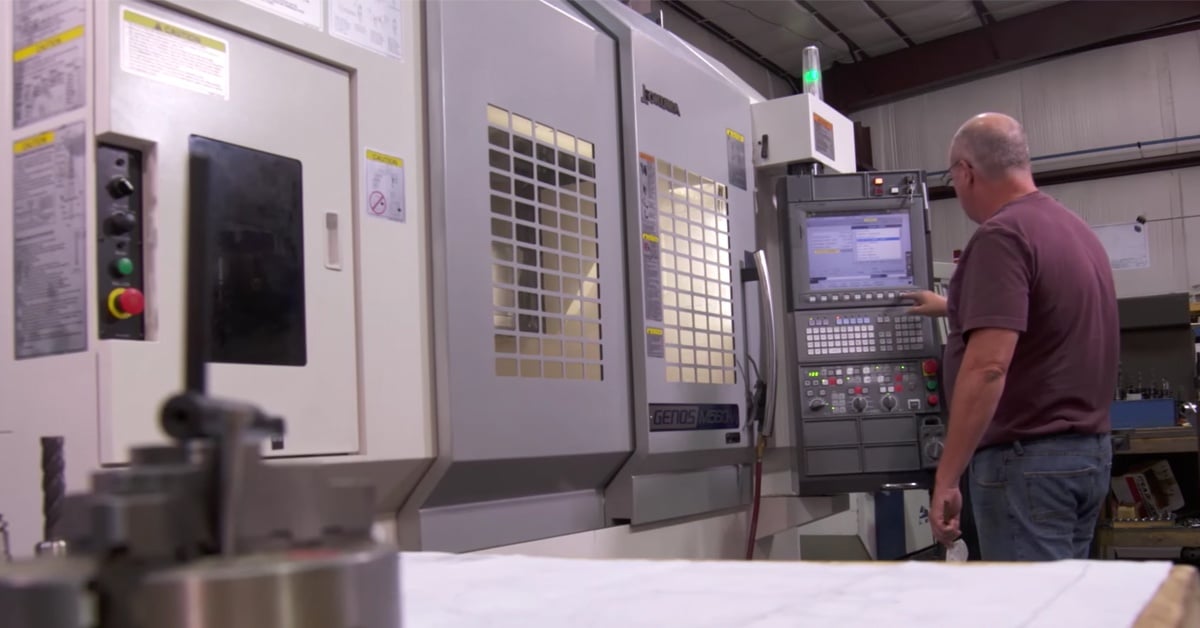
The automated cell in this video has a unique method of managing both chuck face changeovers and loading and unloading a variety of parts.
Read More
How the Industrial Internet of Things Reduced This CNC Shop’s Cost-Per-Part by Over 25%

How the Industrial Internet of Things Reduced This CNC Shop’s Cost-Per-Part by Over 25%

In this real-world IIoT, case study, machine-to-machine communications between a CNC lathe and bar feeder reduced both material and labor costs.

Read More