One More Way Okuma Controls Make CNC Programming Quick & Easy

cnccontrols_pgbanner

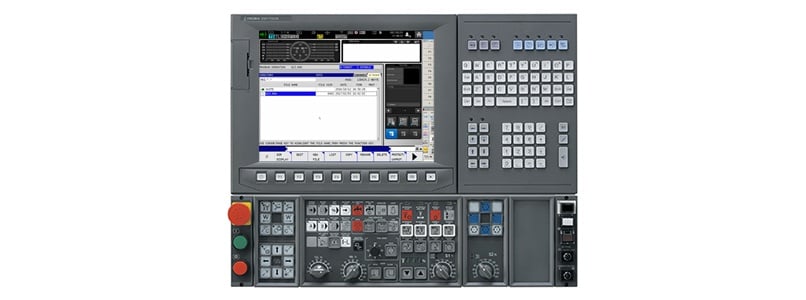
Okuma OSP CNC control systems use the Windows®-based open architecture platform to optimize programming efficiency. There are many functions within the systems that provide shortcuts for streamlining production. Among these is the LIB (library) file that holds a group of macros residing within a single program. 

These programs allow the machine user to create custom tool change cycles, control probing macros and many more time-saving functions. 

In this video, a Gosiger West Coast programming specialist walks you through the step-by-step process for registering these macros on any Okuma mill equipped with an OSP-P200 or OSP-P300 control and provides a number of helpful tips. 

For more ways Gosiger manufacturing experts can help keep production moving in your CNC shop, contact your local Gosiger facility. 


How To Easily Transfer Programs To Okuma’s OSP Controls

How To Easily Transfer Programs To Okuma’s OSP Controls

Now you can see step-by-step instructions for moving CNC programs to the Okuma OSP controls.

Read More
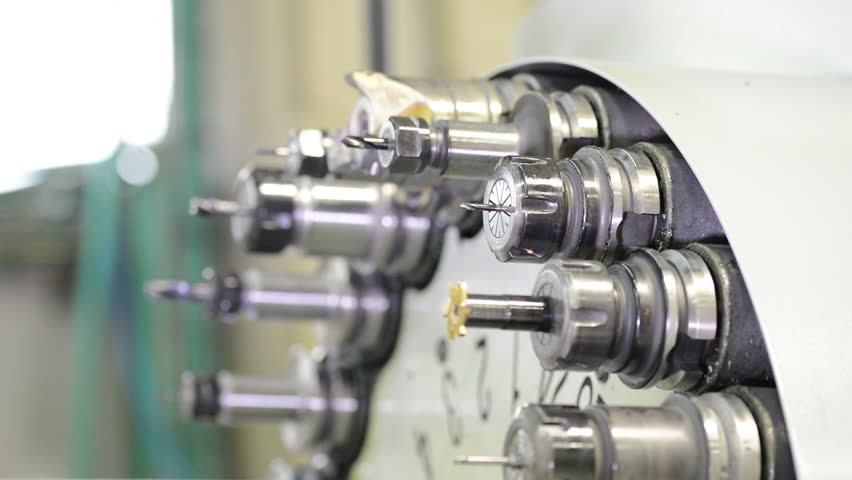
How to Recover from a Tool Change Interruption on an Okuma Mill

How to Recover from a Tool Change Interruption on an Okuma Mill

This helpful video takes you step-by-step through the recovery process from an automatic tool changer interruption.
Read More
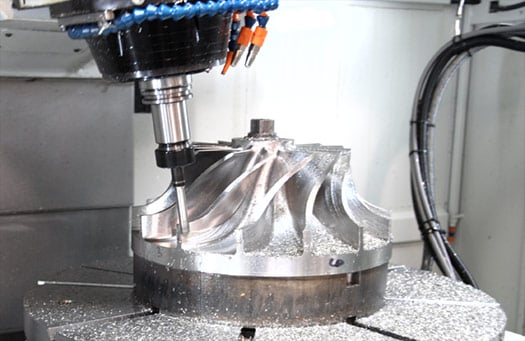
Why 5-axis Machines Make Sense for Almost Every CNC Shop

Why 5-axis Machines Make Sense for Almost Every CNC Shop

It's time to take the next step and replace your 3-axis machines with the all intelligent 5-axis machine! Find out why you should make this easy...

Read More